🎮 Game Controls & Keyboard Guide
Play Giant Wanted Monster Fullscreen on BrainQuests

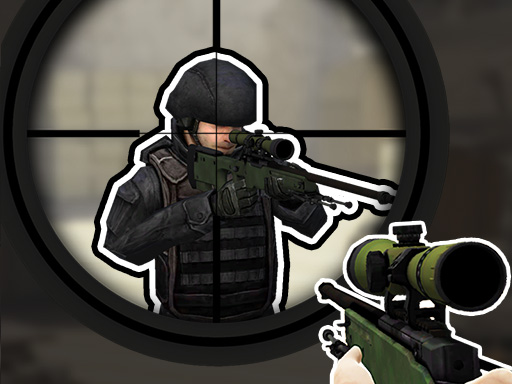
The city is being occupied by giant monsters. You, as an elite sniper, pick up your sniper gun. Defeat these crazy monsters and protect the survival of humanity. In Giant Wanted Monster, the fate of the city is at stake with every bullet. You need to use the powerful sniper weapon to shoot accurately from a distance and hit the monster's Achilles heel.
Experience high-definition gaming without downloads with Giant Wanted Monster, an addictive Arcade game built on cutting-edge HTML5 technology.
Complete Guide & Gameplay for Giant Wanted Monster
Each session in Giant Wanted Monster offers a fresh challenge. Focus on combo multipliers, preserve your resources, and execute tactical maneuvers to outlast rival players.
This classic Shooter browser title is fully optimized for HTML5 browsers, delivering responsive physics and immersive action on desktop, mobile, and tablet platforms without downloads.
⭐ Pro Tips & Strategy
Collect power-ups only when it is 100% safe to avoid unnecessary risk to your streak. Stay centered on the screen whenever possible to allow maximum reaction time in all directions.
⚡ Key Features
🌟 High-Def Visuals
Crisp graphics with 60 FPS smooth rendering for an immersive visual experience.
⚡ Instant Browser Play
No installation, downloads, or plugins required. Loads in seconds directly in HTML5.